 PennyPilot
Available Now
PennyPilot
Available Now
Know where your
money goes. Nothing else.
A personal finance tracker that gives you honest clarity on your spending. No bank sync. No ads. No subscription. Just your money, on your device, presented clearly.
Most finance apps get this wrong
Basic expense loggers that don't show you trends, comparisons, or anything useful beyond a list of numbers.
Full financial planning platforms that require bank connections, subscriptions, and a methodology to learn before you see any value.
PennyPilot gives you real spending clarity — category breakdowns, month-over-month trends, health indicators — without the setup tax.
Available on Android and iOS
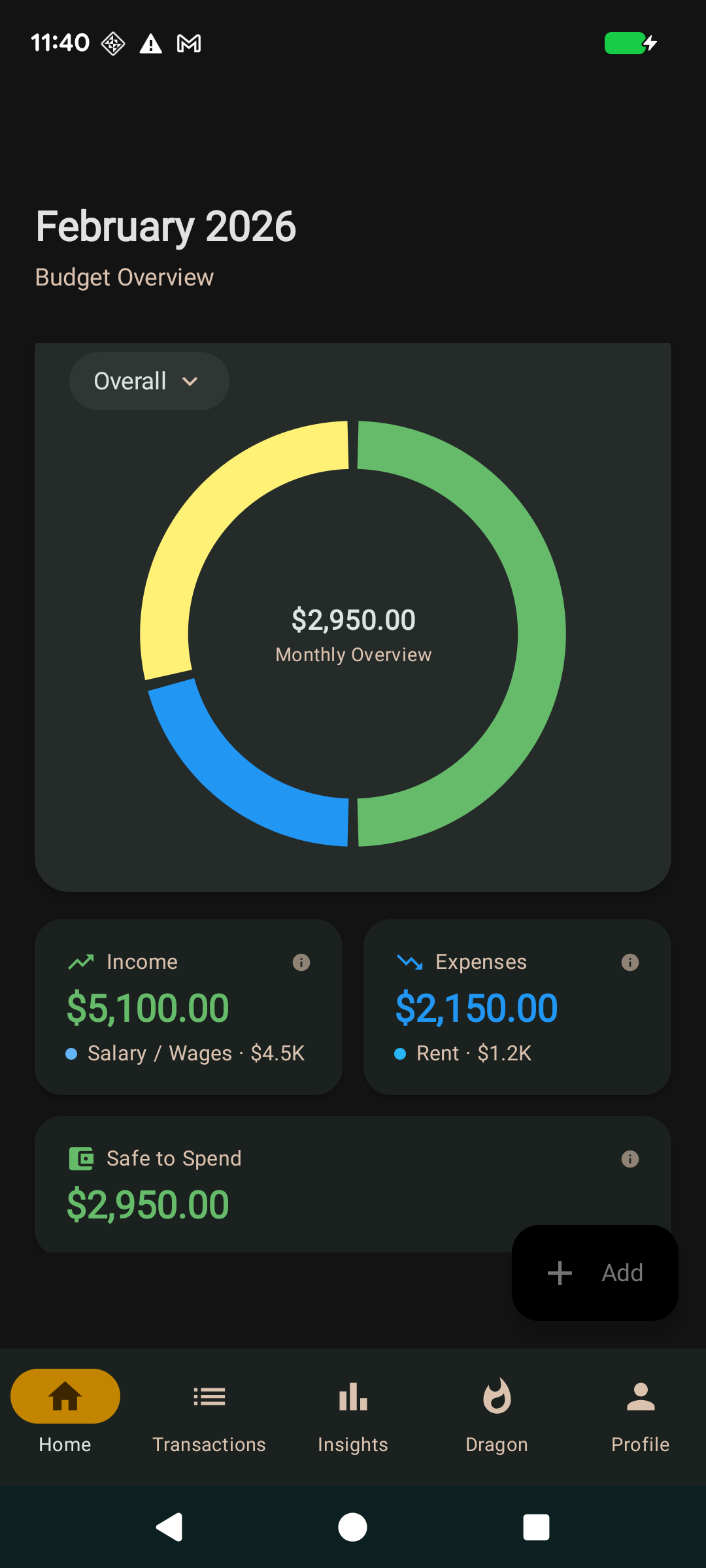
Android — Budget Overview
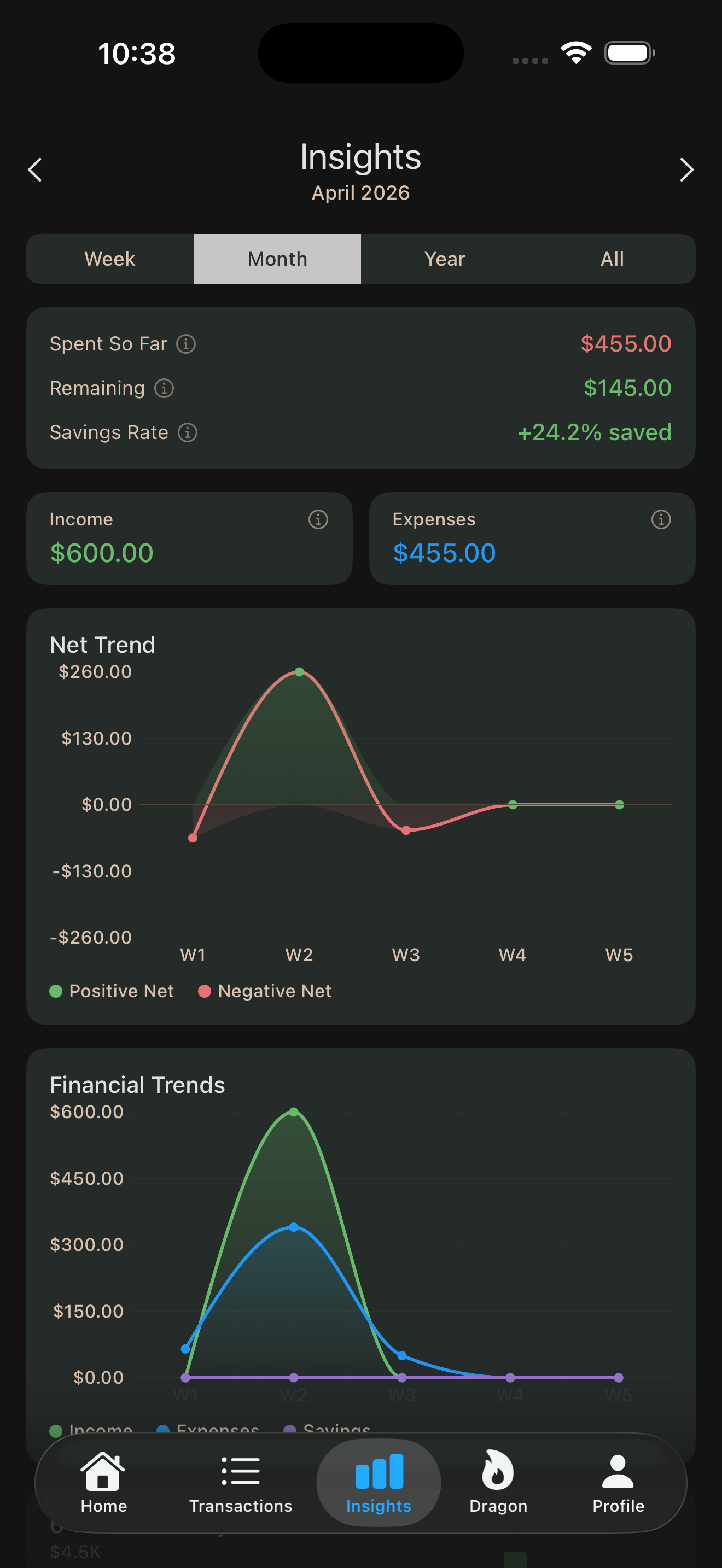
iOS — Insights & Trends
What you get
Category breakdowns
Donut chart visualizations split your spending by category. Open the app, see where the money went. Two minutes, not twenty.
Month-over-month comparison
See if you're trending in the right direction. Income up shows green. Expenses up shows red. The colors mean something.
Dark mode first
Not a toggle, not an afterthought. The app was designed around a dark theme with a deliberate color system.
No bank sync required
Manual entry by design. Your credentials stay yours. The act of logging keeps you aware of what you're spending.
Local data storage
Your transactions live on your device. No cloud sync, no account creation, no server. Your financial data stays with you.
Transaction filters
View income only, expenses only, or everything. Separate color palettes for expense and income categories.
How it works
Log
Add a transaction. Pick a category. Done. Low friction so it becomes a habit, not a chore.
Review
See your spending split by category. Compare this month to last month. Spot the trends.
Understand
Health indicators tell you if things are getting better or worse. Green is good. Red is not. No interpretation needed.
What PennyPilot doesn't do
These aren't missing features. They're deliberate decisions.
No bank sync
Your credentials stay yours. Manual entry keeps you aware.
No ads
Your finance app shouldn't be trying to sell you things.
No subscription
Free to use. No premium tier required.
No habit nagging
No push notifications guilt-tripping you about your spending.
Frequently asked questions
Does it connect to my bank account? +
Where is my data stored? +
Is it free? +
Does it handle financial calculations correctly? +
What platforms does it support? +
How is it different from Mint, YNAB, or similar apps? +
Download PennyPilot
PennyPilot is available now on Android and iOS. Free to download — your feedback shapes what gets built next.
Free. No account required. Your data stays on your device.